QRH categories
Emergency, abnormal, normal, and complete checklist flows with fast category access.
DHC-6 Trainer brings QRH review, MCC callouts, cockpit familiarisation, procedure drills, checklists, flashcards, systems study, and performance practice into one clean mobile-first study app.
DHC-6 Trainer is a study-support tool. Always use approved manuals, company procedures, and regulatory documents for aircraft operation.
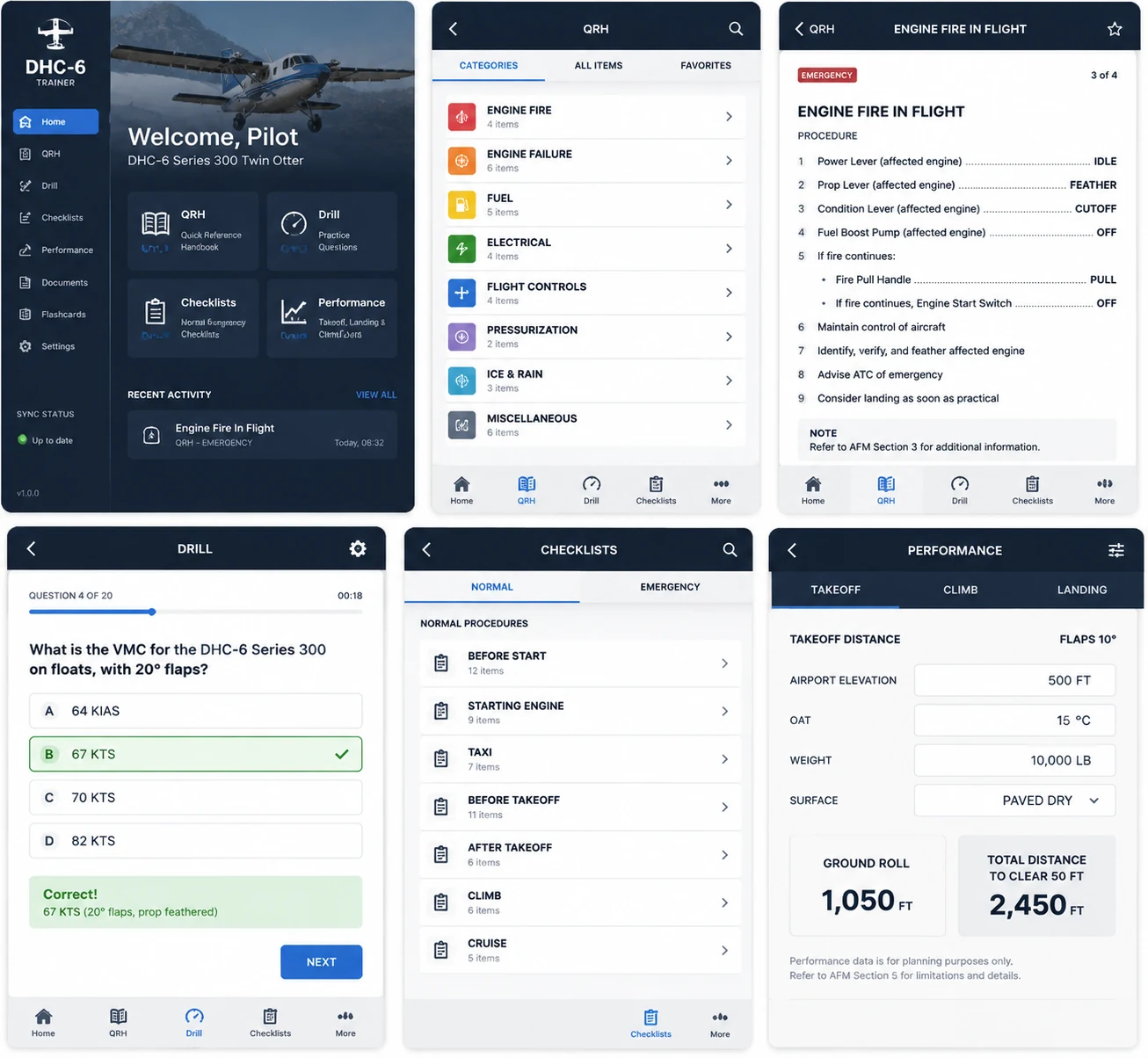
Website styling now follows the latest app mockups: dark navy cockpit panels, bright blue training actions, clean white checklist surfaces, and aviation-style status cards.
Designed for quick revision before training, sim prep, oral review, recurrent checks, and line flying study.
Emergency, abnormal, normal, and complete checklist flows with fast category access.
Question-based and cockpit-linked practice to build recall rather than only reading.
PF/PM call and response practice with session progress, prompts, and scoring.
Takeoff, climb, and landing calculation review from one focused training workflow.
Clear checklist groups for before start, starting, taxi, takeoff, climb, cruise, and more.
Visual cockpit learning for panel awareness, switch location, and procedure target recall.
Fuel, electrical, hydraulic, propeller, PT6A, and technical study pathways.
Study cards and SRS-style repetition to keep limitations, systems, and callouts fresh.
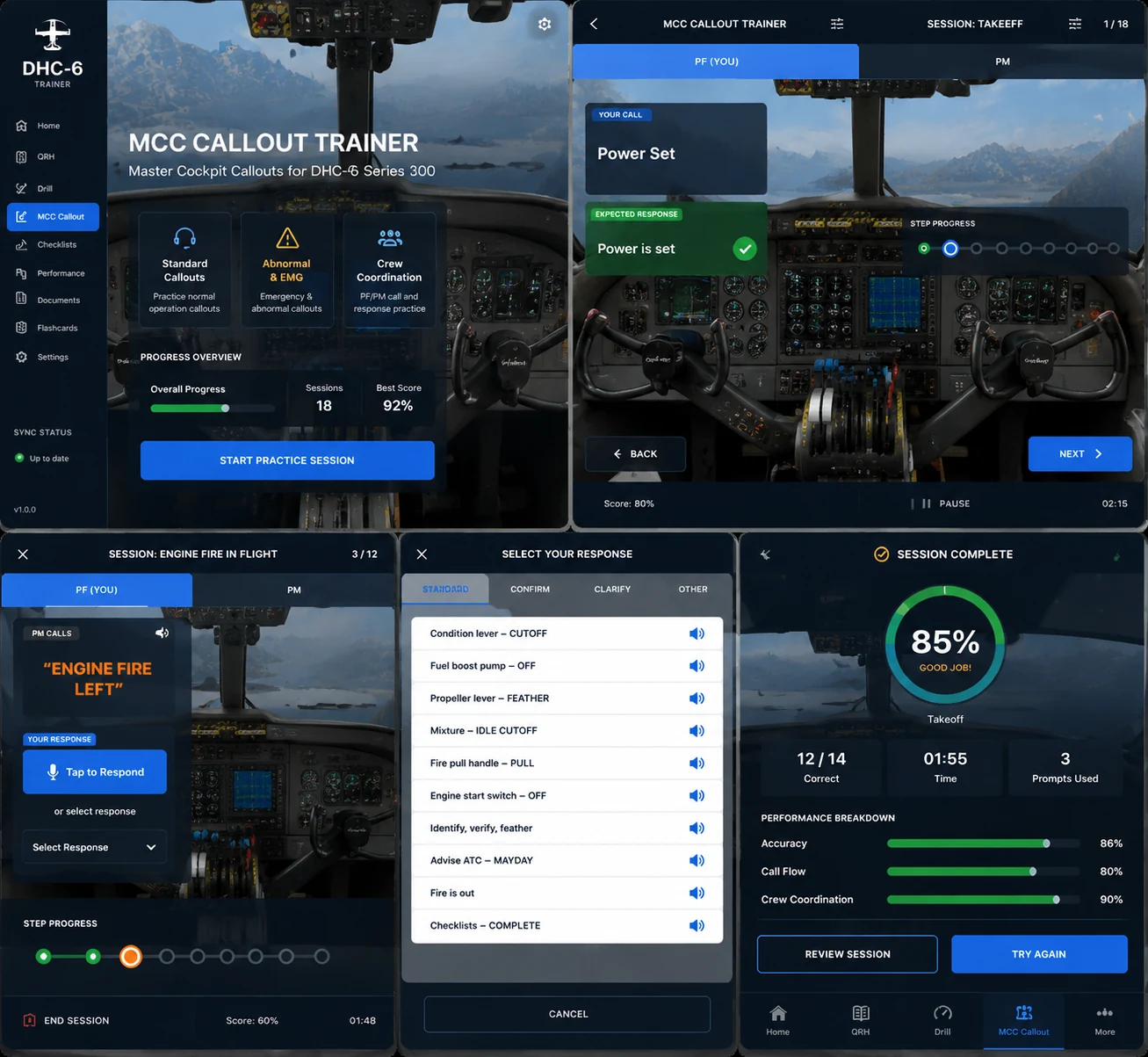
The latest design direction gives MCC callouts a more immersive cockpit-style session: PF/PM tabs, progress timeline, response options, audio prompts, a linked cockpit simulation, and a clean debrief score.
Core study screens remain visible, but the website now uses the newer cockpit-dark visual language from the latest design mockups.
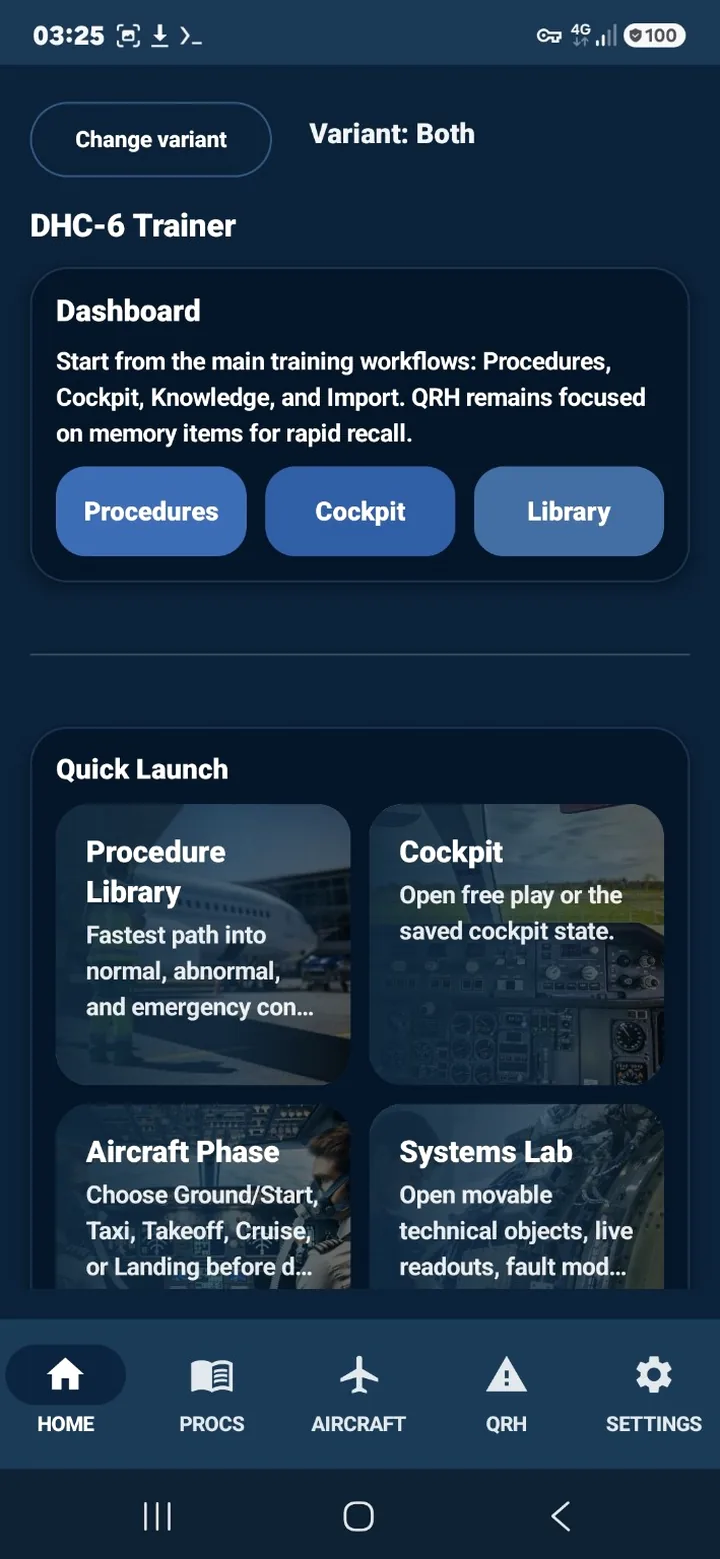
Quick access to study areas.
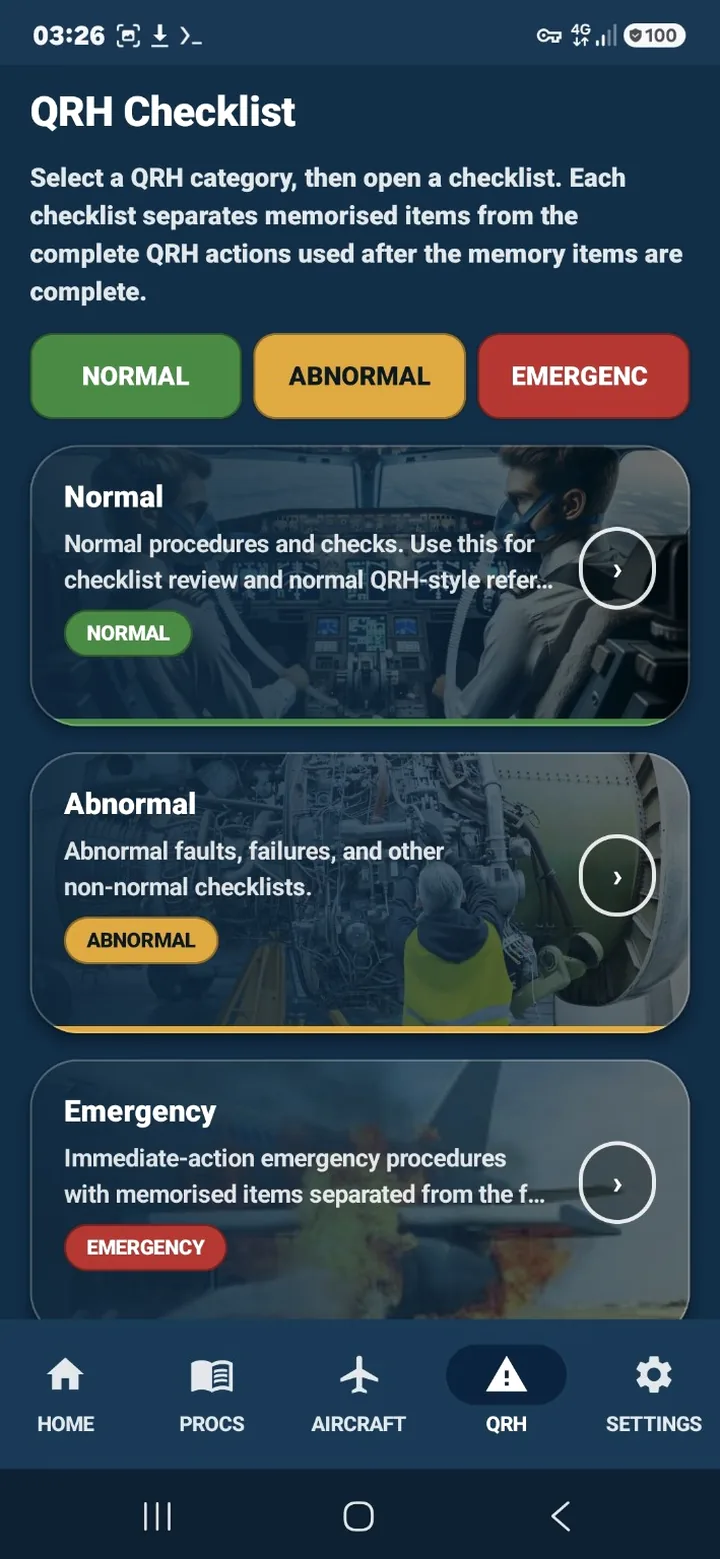
Checklist categories and flows.
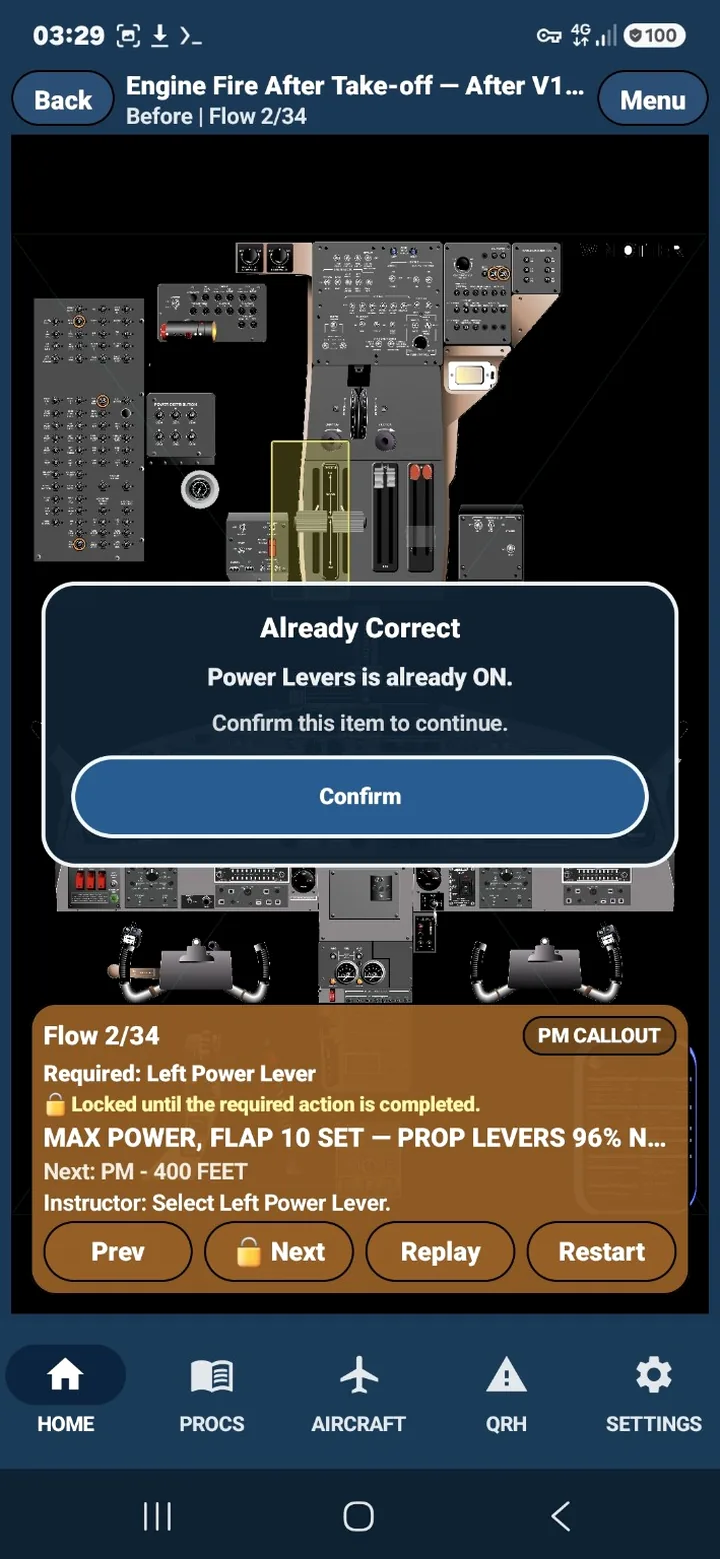
Procedure-driven practice.
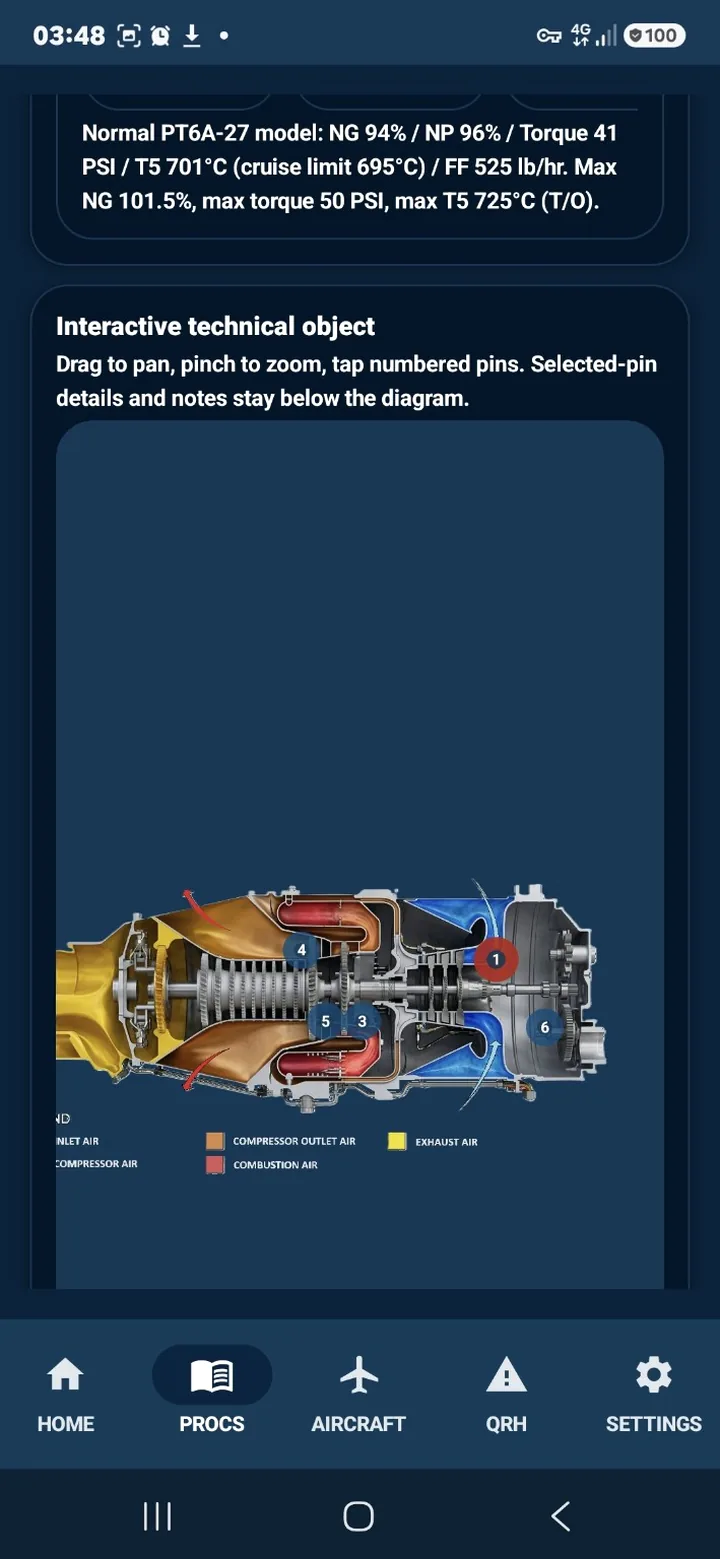
Technical system review.
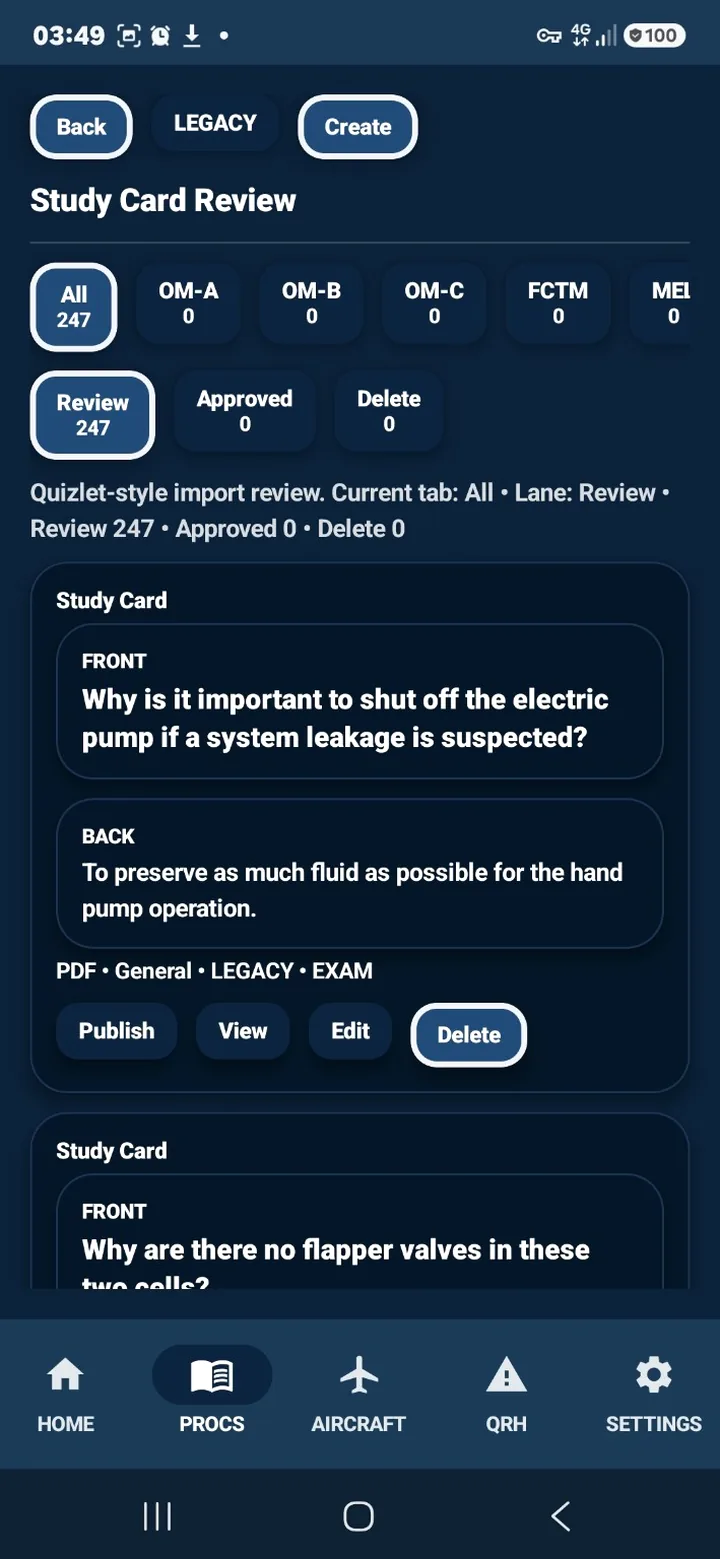
Card-based recall review.
Use the Android app for portable study before flights and training sessions. The Windows desktop subscription supports briefing-room review, instructor workflows, large-screen systems study, and organization use.
DHC-6 Trainer is a study and training-support tool only. It is not an approved AFM, QRH, MEL, checklist, company manual, or operational authority. Always use approved aircraft manuals, company procedures, and applicable regulations for actual operation.